
Why is My PC Crashing After the April 2026 Update? (How to Fix It)
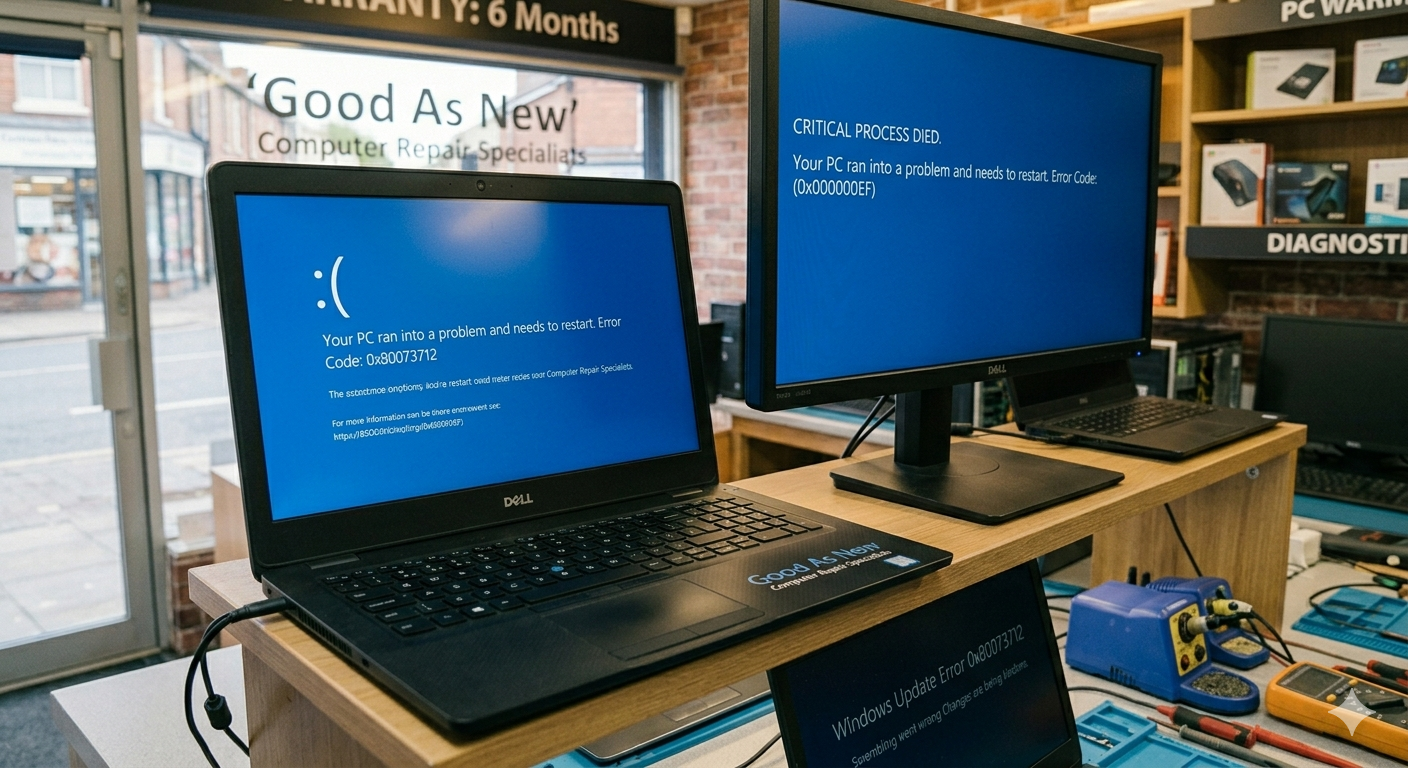
If your computer has been acting like a paperweight since the latest Windows update, you aren’t alone. This month, "Error 0x80073712" and the dreaded "Black Screen on Boot" have become the top searches for PC users worldwide.
At Good As New Computer Repair Specialists, we’ve seen a surge in "broken" PCs that are actually just suffering from a bad software patch. Here is what is happening and what you can do about it.
The Problem: The "Glitchy" April Update
Microsoft’s latest security rollout was designed to fix vulnerabilities, but for many, it has caused:
- Stuck Updates: The install bar hits 99% and then fails with error code 0x80073712.
- Boot Loops: Your PC restarts, tries to update, fails, and restarts again.
- App Crashes: Common tools like Notepad, Snipping Tool, and even Outlook have stopped opening for some users.
Quick Fixes You Can Try at Home
Before you panic, try these three steps to get back to work:
- The "Out-of-Band" Patch: Microsoft has released an emergency fix (KB5086672) specifically for the installation errors. Go to Settings > Windows Update and see if this specific patch is waiting for you.
- Run the Troubleshooter: It sounds simple, but the built-in Windows Update Troubleshooter can often clear the "missing files" error that causes the 0x80073712 code.
- Pause Updates: If your PC is currently working but acting sluggish, you can go into your settings and "Pause Updates" for 7 days. This gives Microsoft time to iron out the bugs before your computer tries to install them again.
When to Call the Specialists
Sometimes, a bad update can corrupt your system files so deeply that "System Restore" won't even work. If you are seeing a Black Screen with a "Stop Code" or your PC won't stay on for more than 5 minutes, it’s time to bring it in.
How we can help:
- Manual Data Recovery: If the update broke your OS, we can safely pull your photos and files before we fix the software.
- Clean OS Rebuilds: We can strip away the "update bloat" and give you a fresh, stable version of Windows that actually works.
- Optimization: We don't just fix the error; we tune your PC so it runs faster than it did before the update.
Got a PC that's acting up? Don't let a bad update ruin your week. Bring it into Good As New Computer Repair Specialists. Remember, all our work and parts come with a 6-month warranty, so you can rest easy knowing your tech is in good hands!