
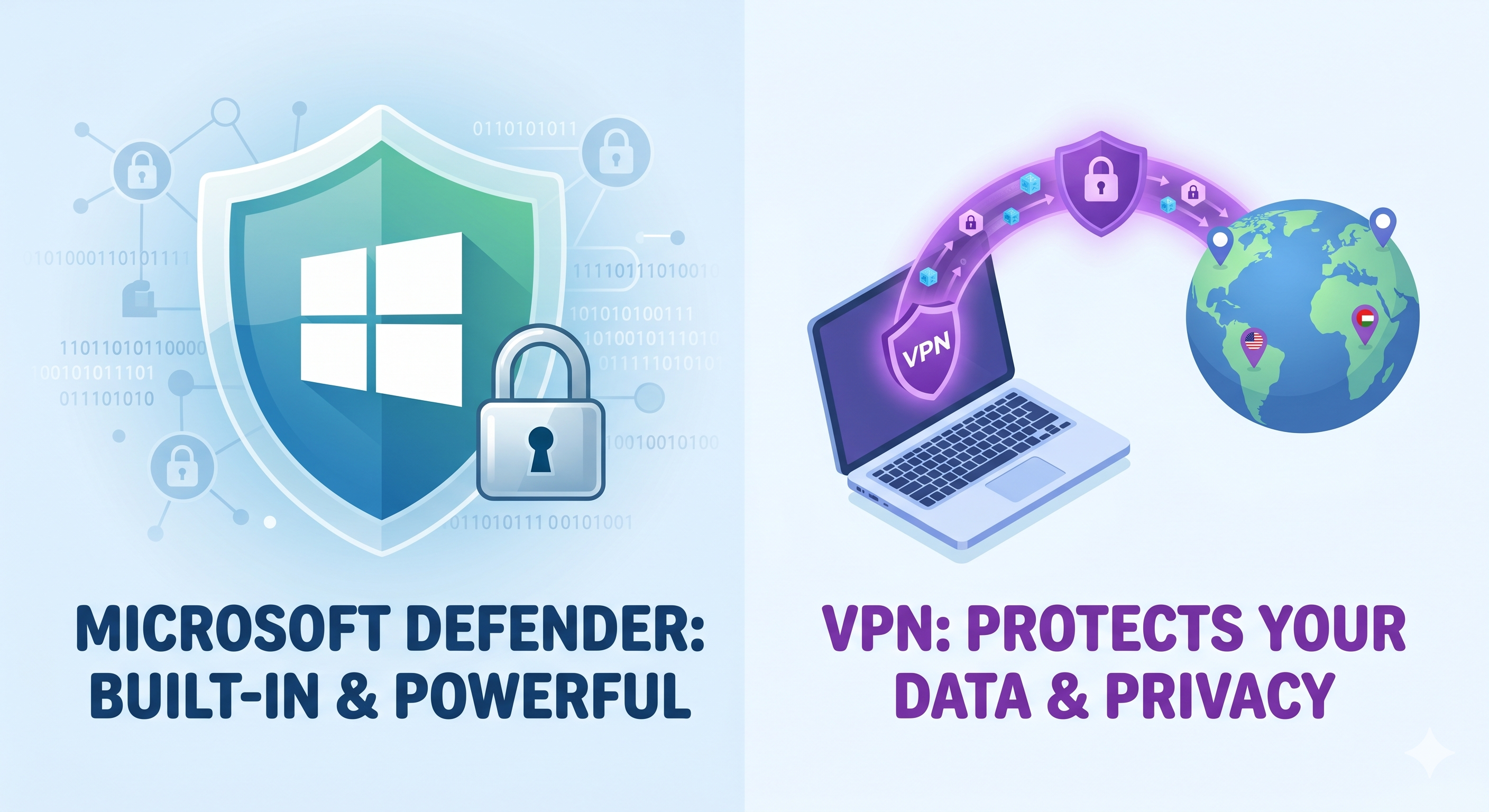
Do You Really Need to Pay for Antivirus in 2026? (And Why You Need a VPN Instead)
If you’ve bought a new computer recently, or just updated your current one, you’ve probably been hounded by pop-ups telling you that your free trial of McAfee or Norton is about to expire. They warn you that your PC is at risk if you don’t pay £60+ a year to renew.
But here is a little secret from inside the computer repair shop: You probably don't need to pay a single penny for third-party antivirus anymore.
Let’s break down why your Windows PC is already safer than you think, and where you actually should be focusing your digital security.
The Truth About Windows Security (Microsoft Defender)
Years ago, the built-in antivirus on Windows wasn't great. Back in the Windows XP or Windows 7 days, you absolutely needed a third-party shield like AVG, Norton, or Bitdefender to stay safe.
Forbes
But things have completely changed. Modern Windows 10 and Windows 11 come out of the box with a built-in security suite called Windows Security (powered by Microsoft Defender).
PC World
Here is why it’s just as good—and often better—than paid software:
- It’s Top-Tier Protection: Independent global testing labs routinely give Microsoft Defender perfect or near-perfect scores for catching malware, ransomware, and viruses. AllAboutCookies.org
- It Won't Slow Your PC Down: Third-party antivirus programs are notorious "resource hogs." They constantly run heavy scans in the background, making a perfectly fast computer feel sluggish and frustrating. Windows Security is lightweight and designed to run smoothly with your operating system.
- Zero Annoying Pop-Ups: Paid antivirus software often acts like "scareware"—constantly flashing warnings or trying to upsell you on premium cleaner tools or password managers. Windows Security sits quietly in your taskbar, only bothering you if there is a real, immediate threat.
The Verdict: If your Windows updates are turned on and you practice common-sense browsing, the built-in Microsoft tools are completely sufficient for everyday home use.
Neowin
If My PC is Safe, Why Do I Need a VPN?
If Windows has you covered for viruses, where is the actual risk? In the modern digital landscape, the biggest threats aren't "classic computer viruses"—they are data snooping, identity theft, and unsecured networks.
This is where a VPN (Virtual Private Network) comes in.
While Windows Security protects the physical files inside your computer, a VPN protects the data flowing out of your computer into the internet.
Here is why using a VPN is a brilliant move:
1. It Lockdowns Public Wi-Fi Security
When you connect to the free Wi-Fi at a coffee shop, hotel, or train station in Southampton, you are sharing a network with complete strangers. A clever hacker on that same Wi-Fi can easily intercept your unencrypted data, seeing exactly what websites you are visiting, or worse, stealing passwords and bank details. A VPN encrypts your connection, turning your data into unreadable code that no one can intercept.
AllAboutCookies.org
2. It Stops Companies Tracking Your Activity
Your Internet Service Provider (ISP) and major advertising networks keep a detailed log of every single thing you do online. A VPN hides your IP address, meaning your online searches and browsing habits stay completely private to you.
AllAboutCookies.org
3. It Bypasses Regional Restrictions
Ever tried to watch a video or access a streaming service while traveling, only to be told "This content is not available in your country"? A VPN allows you to change your virtual location to anywhere in the world, letting you access your favorite content no matter where you are.
The Golden Rule of Cyber Security
At the end of the day, no software can protect you from clicking a dodgy link in a scam text message or giving your banking password away to a fake email. Good security comes down to safe habits and a updated PC.
Marple Tech Help
Save your hard-earned money on expensive annual antivirus renewals. Keep your built-in Windows Security active, invest a couple of pounds a month into a reputable VPN, and your digital life will be tightly locked down.
Unsure if your built-in Windows Security is active or set up correctly? Drop your PC or laptop into Good As New PC Repairs in Southampton for a Free Diagnostic test. We'll make sure your system is optimized, safe, and running exactly like new.