
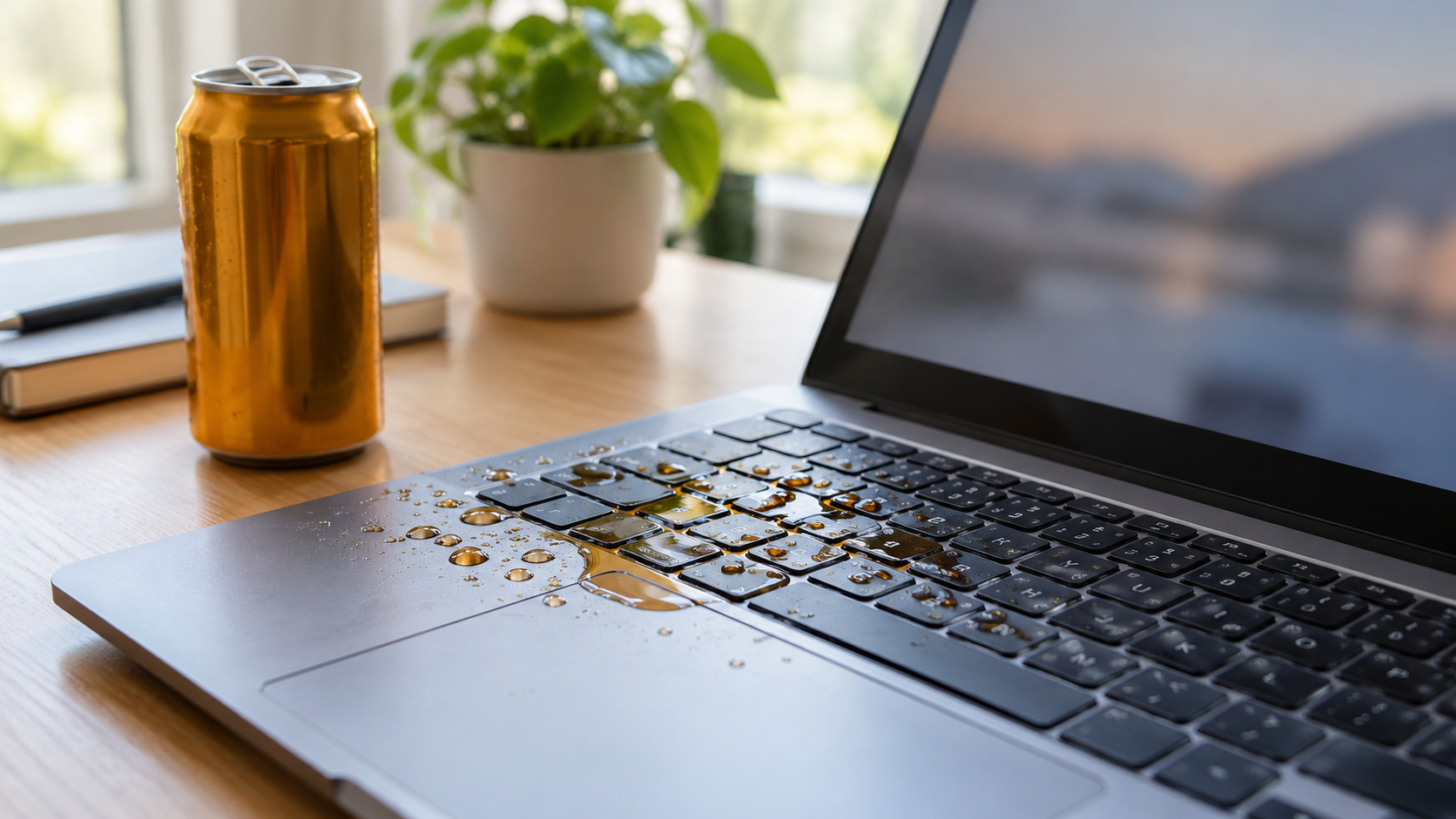
Spilled a drink on your laptop? Keep it switched off
Spilled liquid on your laptop? Switch it off, unplug it and don’t turn it back on until it has been professionally cleaned and checked.
A laptop can keep working after a spill, but that does not mean it is safe to carry on using. Liquid can get beneath the keyboard and reach the internal components. It may cause a short circuit straight away, or leave residue that leads to corrosion and faults later.
This is especially important with sugary or acidic drinks such as energy drinks, fizzy drinks, coffee with sugar, and juice. They can leave sticky residue behind even after the visible liquid has dried.
What to do straight away
- Switch the laptop off. If it is still on, shut it down immediately. If it will not shut down normally, hold the power button until it turns off.
- Unplug the charger and disconnect any attached USB devices, docks or accessories.
- Do not charge it or turn it back on to test it. Power passing through wet or contaminated parts can cause more damage.
- Gently blot liquid from the outside with a clean, lint-free cloth. Do not press liquid further into the keyboard.
- Arrange an inspection as soon as you can. Tell the repairer what was spilled and roughly when it happened.
If the battery is removable without tools, remove it only if you can do so safely. Do not open the laptop or disconnect an internal battery unless you are confident and equipped to do that safely.
Why you should not turn it on
Liquid and electricity do not mix. When a laptop is powered, a spill can connect parts of a circuit that should remain separate. This can damage the keyboard, charging system, ports, battery or motherboard.
Even after the laptop looks dry, moisture can remain inside. Drinks can also leave conductive or corrosive deposits on the board. Turning the laptop on—or plugging it in to see whether it still works—can make a repair more difficult and expensive.
A laptop that boots, charges or appears normal after a spill still needs to be checked. Symptoms can take time to appear.
Don’t rely on rice or heat
Rice cannot clean liquid or residue from inside a laptop. A hairdryer, radiator or other heat source can damage components and may push liquid further inside. Leaving the laptop to dry on its own also does not remove the deposits left behind by drinks.
The safest step is to keep it switched off and have a technician inspect and clean the affected areas. The laptop may need to be opened so the keyboard, battery and internal components can be checked for liquid and corrosion. The repairer can then advise whether further repairs are needed.
Need help with a liquid spill in Southampton?
At Good As New Computer Repair Specialists, we can inspect laptops affected by spills and explain what we find before carrying out any chargeable work. The sooner a spill is assessed, the better the chance of limiting further damage.
Please keep the laptop switched off and unplugged, and contact us to arrange a visit to our Southampton workshop.