
Pop-Up Virus Warnings and Browser Redirects: What Should You Do?
Pop-ups, virus warnings and strange redirects
A sudden warning that your computer is infected can be alarming. You might see repeated pop-ups, find that your browser keeps opening unfamiliar websites, or notice that your usual homepage has changed.
These signs can sometimes point to unwanted software or malware. But a scary message appearing inside a web page does not automatically mean your computer has a virus. Some pop-ups are designed to frighten you into calling a fake support number, clicking a link or downloading software.
Many alarming alerts are just website notifications
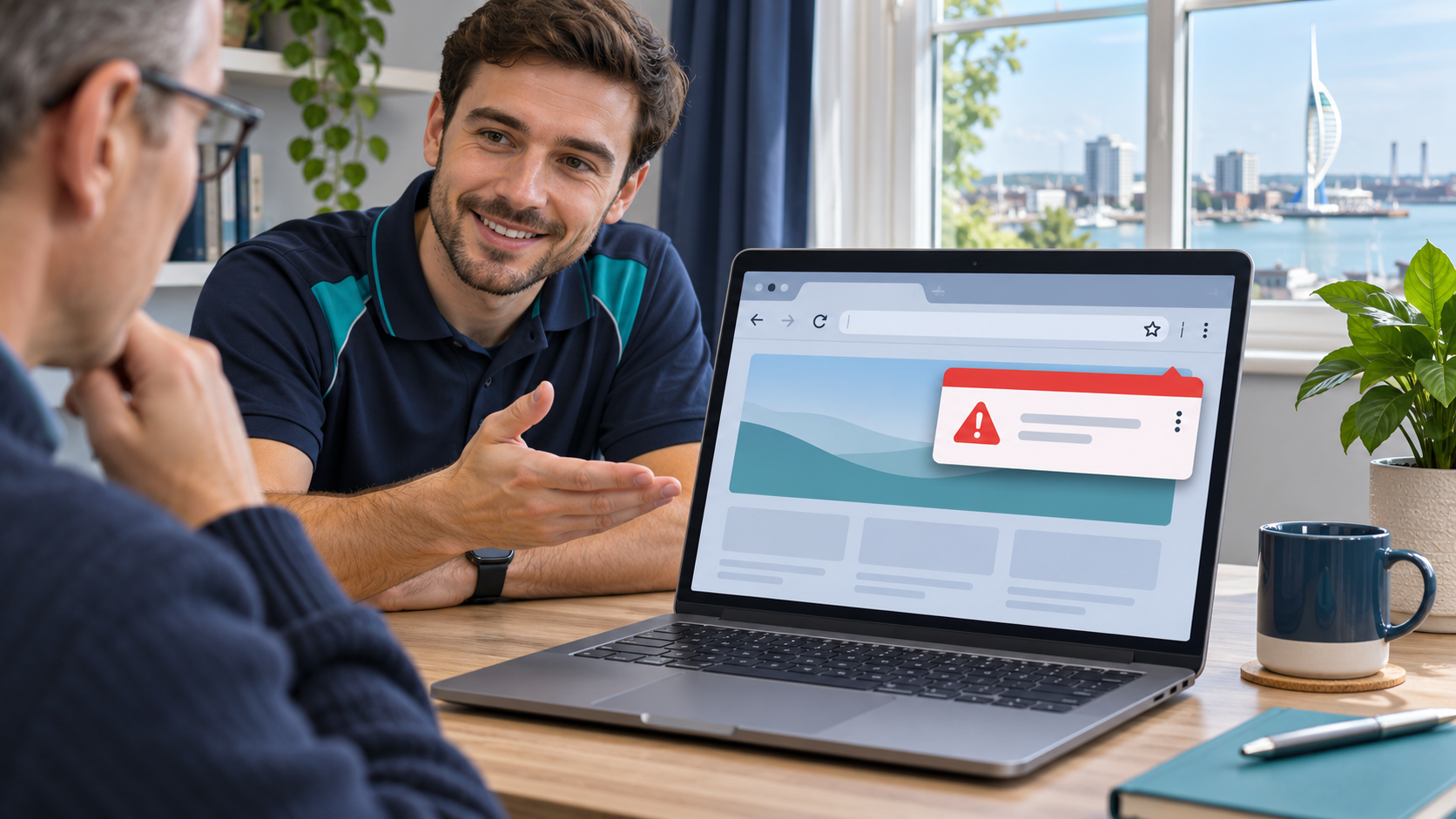
A lot of “your computer is infected” messages that appear in the corner of your screen are website notifications. They may look like security warnings, but they’re often messages from a website you previously allowed to send notifications. Seeing one doesn’t, by itself, prove your computer is infected.
When one appears, click the three dots on the notification and look for an option such as Turn off notifications from this site. The wording varies between browsers. If you don’t see that option, open your browser’s settings and block notifications for the site shown in the alert. Microsoft Edge and Chrome both let you manage or block notifications from individual websites. Microsoft Support
After switching them off, the alerts from that site should stop. If your browser still redirects you to unfamiliar pages, or your computer shows other unusual behaviour, run a security scan or have the device checked. Website notifications and browser pop-up windows are different things, so the three-dot option may not appear on every kind of pop-up.
Don’t click the warning or call its number
If a warning appears while you’re browsing:
- Don’t click its buttons, links or phone numbers.
- Don’t download a “clean-up” tool offered by the pop-up.
- Close the browser tab or window. If it won’t close, use Ctrl + Shift + Esc to open Task Manager and end the browser.
- Reopen your browser without restoring the previous tabs if it asks.
- If you called the number, gave someone remote access, entered a password or shared payment details, contact your bank or the affected account provider using their official contact details.
Genuine security notifications usually come from your computer’s security software, rather than a random website demanding that you call a number immediately. The National Cyber Security Centre warns that unexpected pop-ups and calls claiming to offer virus removal can be part of a support scam. National Cyber Security Centre
Check browser notifications
Sometimes repeated “virus” alerts are website notifications rather than a computer infection. If you previously clicked Allow on a website’s notification request, it may now be sending messages to your desktop.
Open your browser’s Settings and look for Site settings or Notifications. Remove or block any websites you don’t recognise. The exact steps vary between Chrome, Edge, Firefox and other browsers.
Run a security scan
On a Windows PC, open Windows Security, choose Virus & threat protection, and run a scan. If you’re still concerned, you can select Scan options and run a full scan. Microsoft also provides an offline scan option that restarts the PC to scan outside the usual Windows session. Save any open work before starting it. Microsoft Support
Only use security tools you trust. Avoid installing several antivirus programs at once, and don’t download a tool from a pop-up advert or an unfamiliar website.
Signs that may need further investigation
Consider getting help if:
- Pop-ups or redirects continue after you close the suspicious page.
- Your browser homepage or search engine keeps changing back.
- Unfamiliar apps, extensions or toolbars have appeared.
- Your computer is unusually slow or behaves differently.
- Your security software reports a threat it cannot remove.
A redirect can also be caused by a browser extension or changed browser setting, so it’s useful to check the whole system rather than assuming every warning is a virus.
How we can help
At Good As New Computer Repair Specialists, we can check your PC or laptop for malware, unwanted software, suspicious browser settings and other causes of pop-ups or redirects. We’ll explain what we find and discuss the repair options with you.
We offer a 100% free diagnostic check with no obligation. If you’re in Southampton or the surrounding area and are unsure what a warning means, contact us or bring your computer in for an assessment.
Good As New Computer Repair Specialists
Southampton and surrounding areas
Award-winning service. A reputation you can trust.