
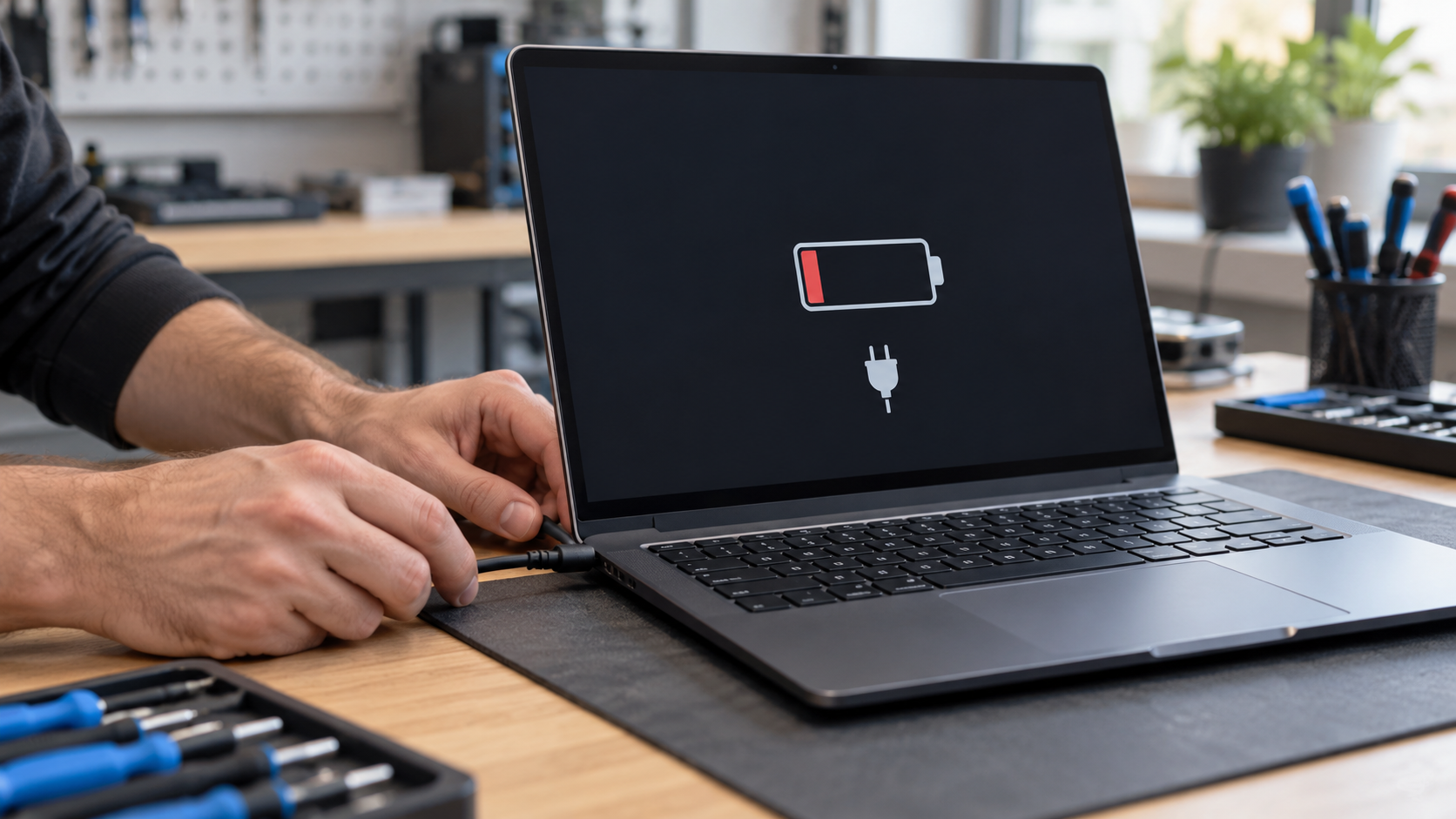
Laptop plugged in but not charging? It might not be the battery
Laptop plugged in but not charging? It might not be the battery
You plug your laptop in, see the charging symbol, and expect the battery percentage to rise. But it stays the same—or keeps falling.
It’s easy to think the battery has failed. Sometimes it has, but a laptop that is plugged in and not charging can have several possible causes. Checking the simple things first may help you understand what is happening, but the laptop may need a proper diagnosis to identify the fault.
1. The charger or cable may not be suitable
A charger can sometimes provide enough power to run a laptop but not enough to charge its battery, especially while you are using it. This can happen if the charger has a lower wattage than the laptop requires, or if a replacement charger is not compatible with the model.
With USB-C charging, the cable matters too. Some USB-C cables are designed for lower power and may not support the charging rate your laptop needs. If you have the original charger and cable, try those and check whether the battery percentage begins to rise.
2. You may be using a USB-C port that does not support charging
Some laptops have more than one USB-C port, but not every port necessarily accepts power. Check your laptop’s manual or manufacturer information to see which port is intended for charging.
If the charger plug feels unusually loose, charging starts and stops when the cable moves, or the port looks damaged, avoid wiggling the connector to keep it working. A worn or damaged charging port needs inspection.
3. A battery setting may be limiting the charge
Some laptops have a battery-care or conservation setting that deliberately stops charging at a set level, often around 80%, to reduce battery wear when the laptop stays plugged in for long periods.
Look in the laptop manufacturer’s battery or power-management app for a setting such as Battery Conservation, Battery Care, or Charge Limit. The name and location vary by brand. If the laptop consistently stops at the same percentage, this is one possibility to check.
4. The battery may be worn
Laptop batteries lose capacity as they age and go through charge cycles. A worn battery may charge very slowly, stop at a low percentage, or lose charge quickly after the charger is unplugged.
The charging symptom alone does not confirm that the battery needs replacing. The charger, port and charging circuitry can cause similar problems, so testing helps avoid replacing a part unnecessarily.
5. The charging port or internal charging circuit may have a fault
If you have tried a known-compatible charger and the charging connection is still unreliable, the fault may be inside the laptop. The charging socket, its connection to the motherboard, or another part of the charging circuit may need attention.
These parts should be checked by a technician. Opening the laptop without the right tools and experience can damage delicate connectors or the battery.
A quick checklist
- Check that the charger is the correct type and wattage for your laptop.
- If it charges by USB-C, try the correct charging port and a suitable cable.
- Check the manufacturer’s battery app for a charge-limit setting.
- Notice whether the charging icon appears and whether the battery percentage changes.
- Stop using the laptop and arrange an inspection if the battery is swollen, unusually hot, or giving off an unusual smell.
Need help with a laptop that will not charge?
At Good As New Computer Repair Specialists in Southampton, we can inspect your laptop and help identify whether the problem is related to the charger, battery, charging port or another component. We offer a 100% FREE diagnostic check, with no obligation, so you can find out what is causing the problem before deciding what to do next.
Bring your laptop in during our working hours and we’ll take a look.
Good As New Computer Repair Specialists
Southampton, Hampshire
Free diagnostic checks • No obligation